Managing customer interactions can quickly become overwhelming, especially as inquiry volume grows. A helpdesk ticketing system is one of the most reliable solutions to streamline, prioritize, and resolve customer issues efficiently, ultimately improving satisfaction and loyalty.
In this article, we review 11 of the best helpdesk ticketing system applications, complete with their key features, strengths, and limitations. You will also find practical tips on choosing the right system for your business.
What Is a Helpdesk Ticketing System?
A helpdesk ticketing system helps businesses organize customer inquiries from multiple channels such as email, chat, WhatsApp, and social media, into structured, trackable tickets. Every incoming message is automatically converted into a ticket, then routed to the most suitable team or agent. This ensures faster handling, clearer accountability, and a smoother overall service experience.
Benefits of Using a helpdesk system:
1. Improved Efficiency
Automated workflows reduce repetitive manual tasks. Agents can resolve issues faster with clearer prioritization. Overall resolution time decreases significantly as processes become more streamlined.
2. Greater Transparency
Teams can easily track ticket status and progress in real time. Customers gain visibility into updates and expected timelines. This transparency builds trust and prevents miscommunication.
3. Higher Customer Satisfaction
Responses become faster, more accurate, and more consistent. Customers feel heard because their issues are tracked properly. Better service quality directly boosts loyalty and brand perception.
4. Better Insights & Data
Reports highlight recurring issues, agent performance, and channel trends. Managers can identify bottlenecks and optimize processes. Decisions become more strategic because they’re backed by clear, actionable data.
With these combined benefits, a helpdesk system strengthens both operational excellence and customer relationships, helping businesses grow with confidence.
Key Components of the Best Helpdesk Ticketing System
The most effective helpdesk ticketing systems come with essential features that support smooth, scalable, and intelligent customer support operations. These core components ensure that teams can handle growing volumes without sacrificing quality.
1. Ticket Management
Tickets are automatically created from every customer message. Categorization helps prioritize urgent or specialized issues. Assignments become smoother, ensuring the right agent handles each case.
2. Automation
Routing, escalation, and canned responses run automatically. Agents save time on repetitive actions and focus on complex cases. Chatbots can also reduce ticket volume significantly.
3. Reporting & Analytics
Dashboards display key metrics like resolution time and ticket trends. Managers can track performance across channels. Insights support consistent service improvement.
4. Knowledge Base
Provides guides, FAQs, and step-by-step resources. Customers can solve simple issues without contacting support. This reduces workload and boosts self-service satisfaction.
5. Integrations
Connects with CRM, communication tools, and project platforms. Creates a unified workflow across departments. Teams stay aligned with accurate, synchronized data.
When these components work together, businesses gain a powerful system that enhances efficiency, strengthens collaboration, and supports exceptional customer service at scale.
11 Helpdesk Ticketing System Recommendations
Below are the top choices available today including both local and global helpdesk platforms such as Qiscus, Zendesk, and Freshdesk.
1. Qiscus Helpdesk
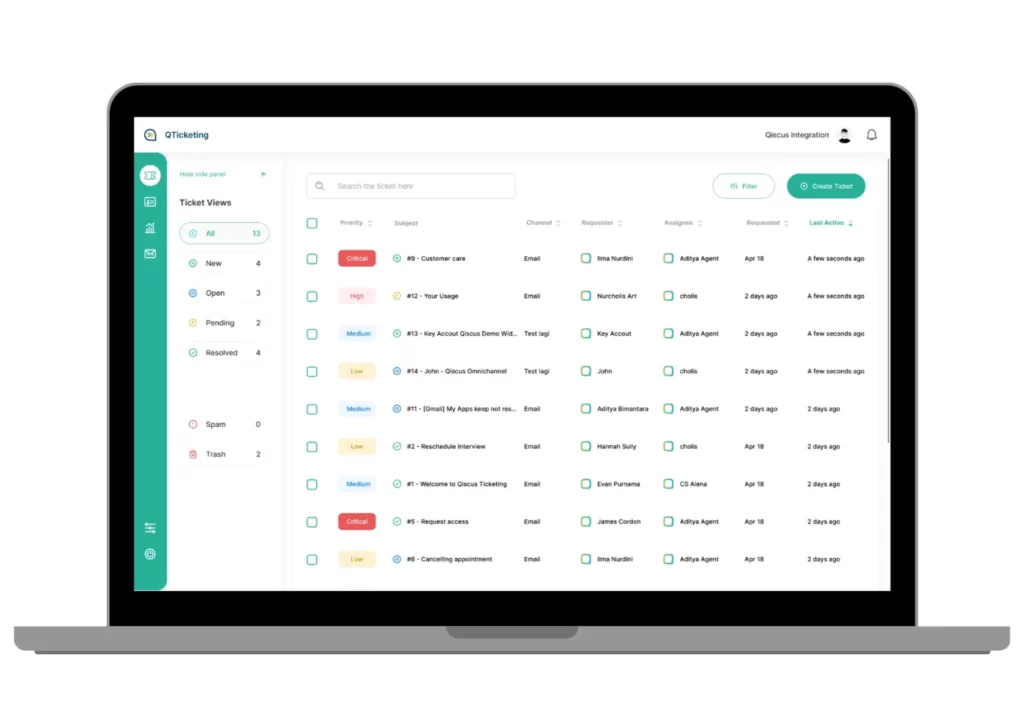
Qiscus Helpdesk is a comprehensive customer engagement and ticketing solution designed for businesses that need speed, accuracy, and unified communication. Built for omnichannel support. It centralizes messages from WhatsApp, Instagram, website chat, email, and more into one dashboard. Its strength lies in automation, contextual insights, and collaborative workflows. Allowing teams to categorize high-priority tickets, improve response accuracy through customer data, and work efficiently with SLA rules and intelligent routing.
With advanced features like AI assistance, robust reporting, and deep system integrations, Qiscus is positioned as one of the strongest local solutions for businesses that want scalable, enterprise-grade customer support without heavy complexity.
Pros
- Fast and responsive after-sales support
- Extensive technical documentation and guidance
- Integrates with 20+ productivity tools
- Transparent and trackable ticket workflows
- Suitable for all business sizes
- AI-powered responses and automated ticket handling
- Strong omnichannel and CRM capabilities
- Unified dashboard for all customer communication
Cons
- Broader global marketplace integrations are still expanding
2. Zendesk Support Suite

Zendesk is one of the most globally recognized helpdesk platforms, known for reliability and enterprise-grade capabilities. It’s widely used by companies that need multichannel support, powerful automation, and extensive integrations. With a clean interface and strong workflow management, Zendesk remains a top choice for global operations.
Pros
- Highly user-friendly
- Strong integration ecosystem
- Customizable workflows
- Ideal for all business sizes
Cons
- Subscription cost is relatively high
- The wide feature set may feel overwhelming at first
3. Freshdesk
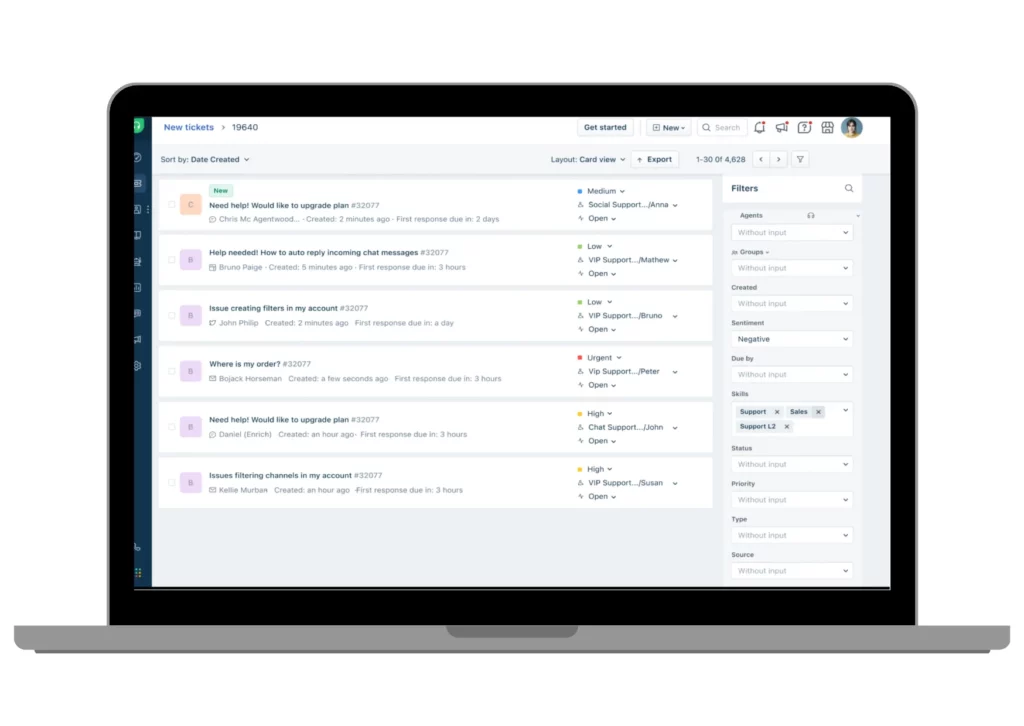
Freshdesk offers a clean, intuitive ticketing experience with strong automation that appeals to businesses looking for simplicity and efficiency. It includes SLA management, knowledge base tools, and detailed analytics to help teams maintain high-quality support at scale.
Pros
- Easy to use
- Strong automation capabilities
Simple, flexible integrations
Cons
- Integration availability depends on plan
- Advanced analytics limited to higher tiers
- Automation options tied to subscription level
4. Atera
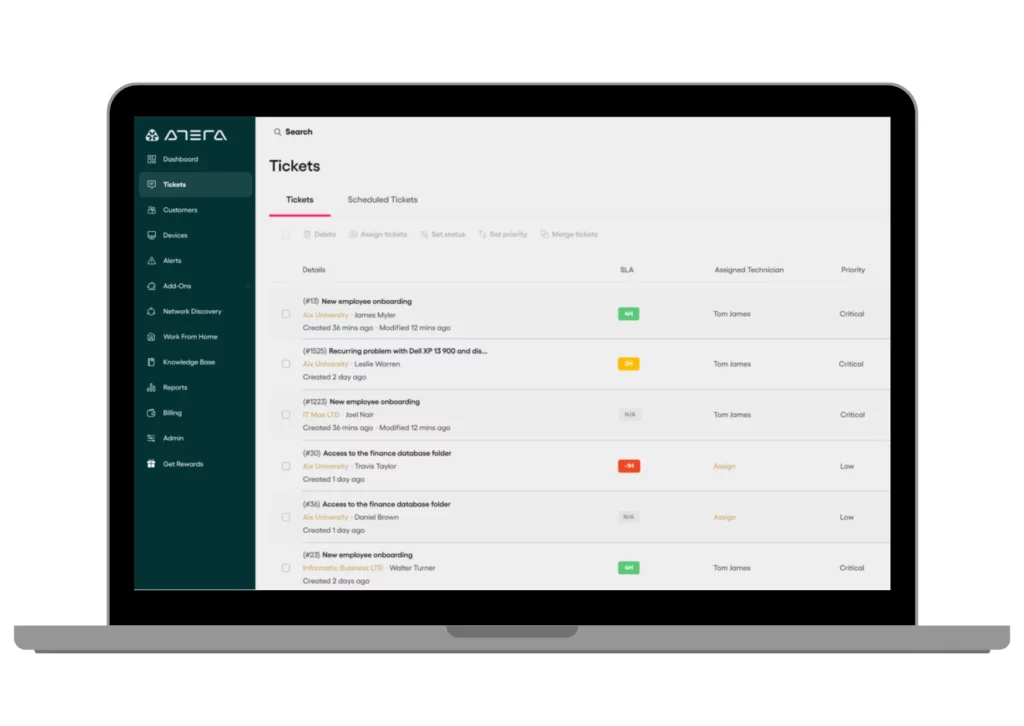
Atera combines ticketing, analytics, and remote monitoring, making it appealing for IT teams and support-focused service providers. With AI-enabled features and strong reporting, it helps teams manage technical issues more proactively.
Pros
- User-friendly interface
- Remote access capabilities
- Responsive support team
Cons
- Some features lack depth
- Many capabilities depend on subscription tier
- Pricing is relatively premium
5. LiveChat
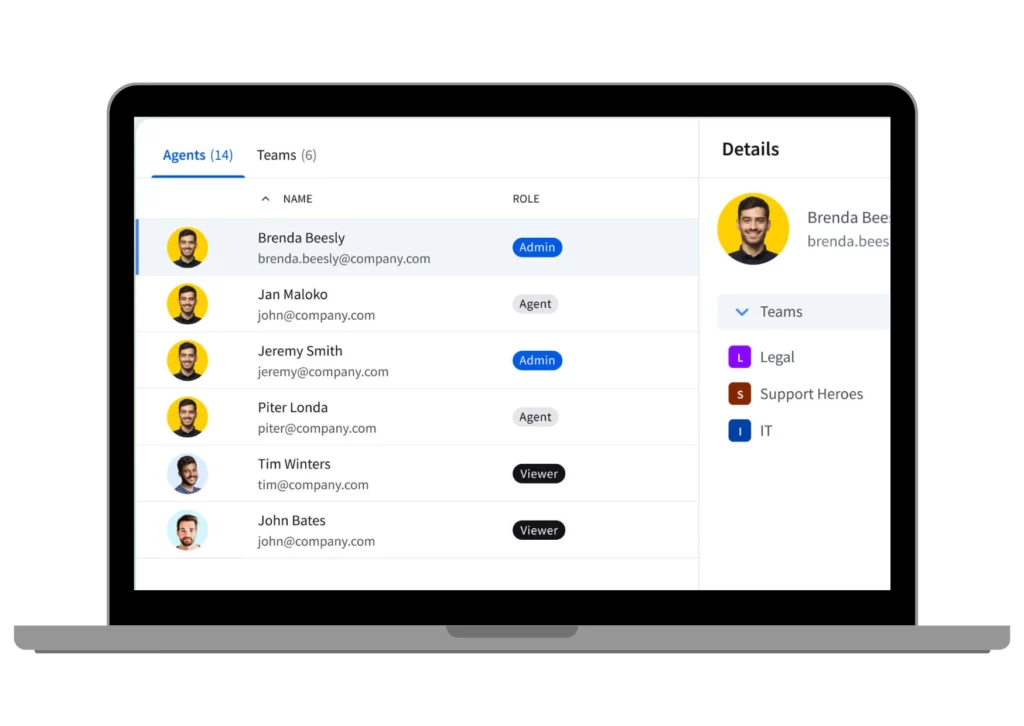
LiveChat is best known for its real-time chat capabilities, enhanced with ticket creation, customization options, and conversation analytics. It’s ideal for businesses that prioritize instant customer engagement and web interactions.
Pros
- Integrates with multiple social channels
- Strong live chat performance
- Mobile-friendly
Cons
- No AI capabilities
- Limited agent slots
- Daily ticket/message limits
6. Front
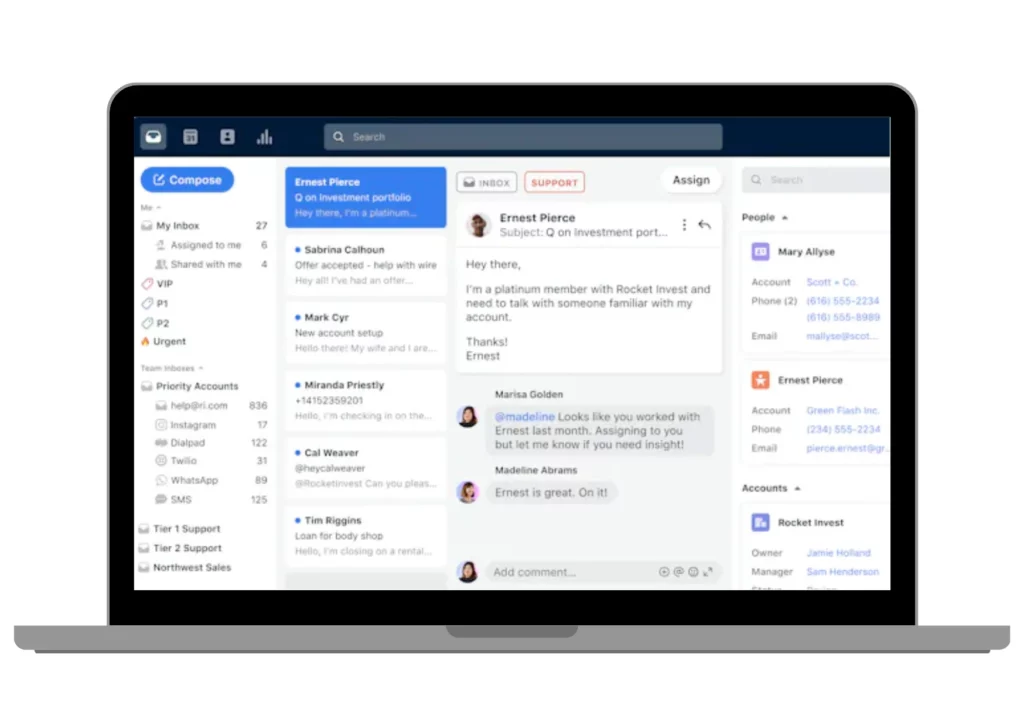
Front focuses on team collaboration, bringing conversations, ticketing, and knowledge tools into one shared space. It’s especially useful for teams that need flexible workflows and strong communication visibility.
Pros
- Strong workflow management
- Good SLA tools
- Large integration marketplace
Cons
- Interface can feel less intuitive
- Support responsiveness varies
- Limited customization flexibility
7. Faveo
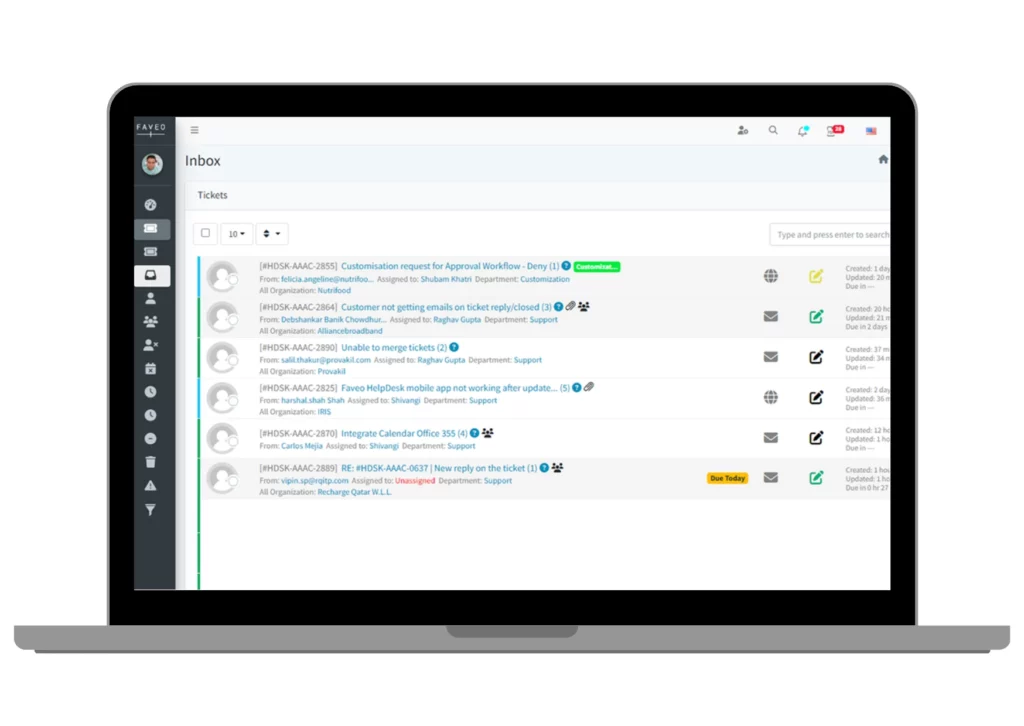
Faveo is a web-based helpdesk system often chosen by SMEs and startups for its simplicity and affordability. It offers unlimited knowledge base uploads and agent seats, making it appealing for small teams scaling their support needs.
Pros
- Easy to use
- Unlimited KB uploads
- Unlimited agent seats
Cons
- No integration support
- Feature availability depends on plan
- Occasional technical glitches
8. osTicket
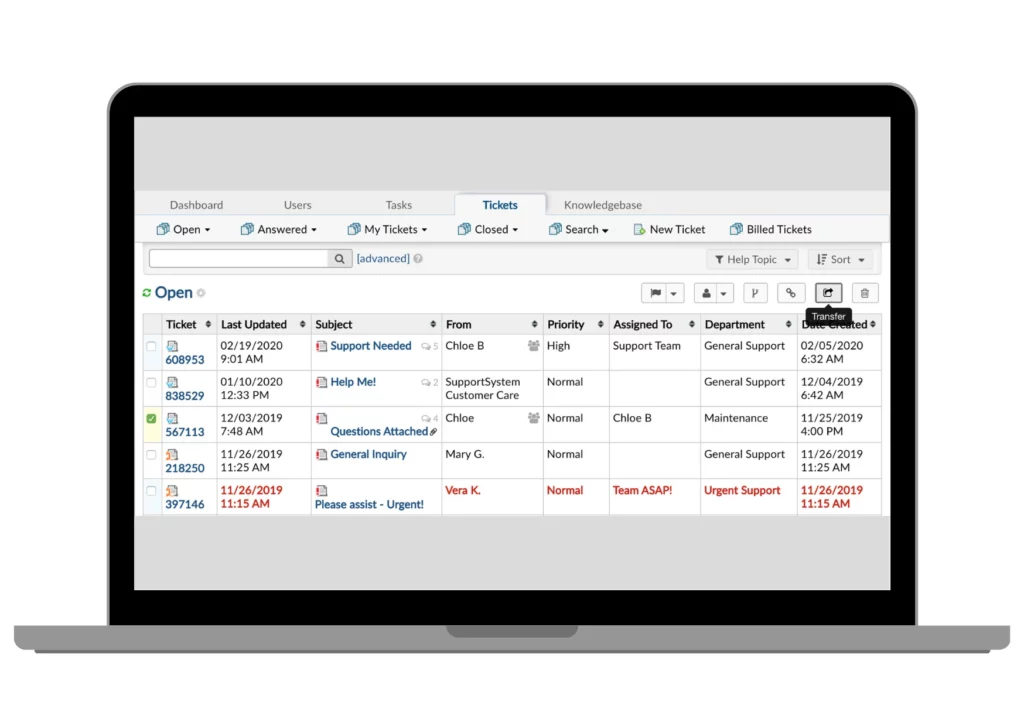
osTicket is a customizable, open-source helpdesk solution preferred by teams that want full control over their workflows. Its flexibility allows businesses to adapt the system to their exact needs.
Pros
- High customization
- Detailed ticket and chat history
- Pricing based on active agents
Cons
- Outdated interface
- No built-in live chat
- No AI features
9. Re:amaze
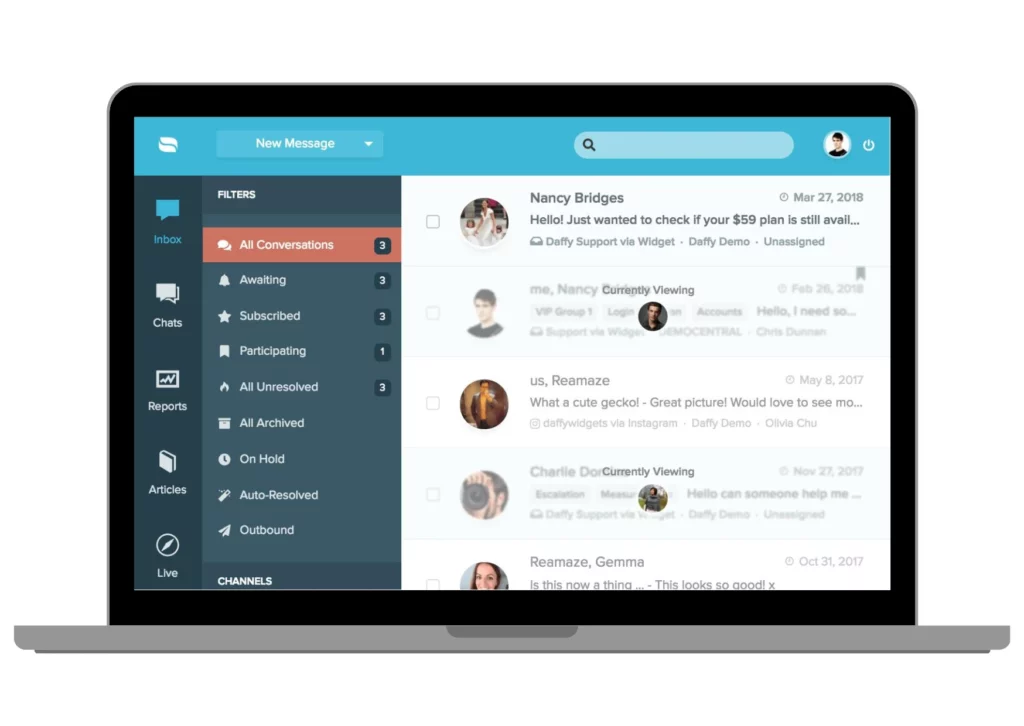
Re:amaze is built for multichannel communication, helping businesses manage social media, chat, and email in one place. With automated responses and a clean dashboard, it works well for consumer-facing brands.
Pros
- User-friendly
- Centralized communication hub
- Fast support team
Cons
- Limited integration options
- Restricted customization
10. AzureDesk
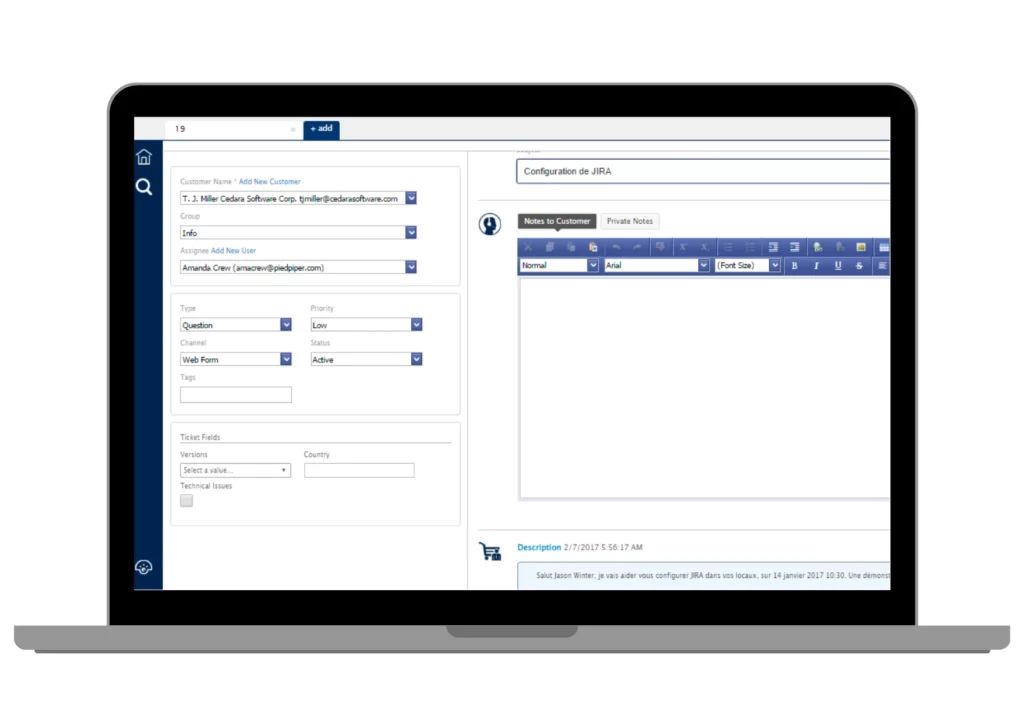
AzureDesk offers a balanced set of features including SLA tools, automation, and ticket collaboration. It is often chosen by teams looking for a lightweight but capable helpdesk solution.
Pros
- Intuitive interface
- Easy integrations
- Strong task management
Cons
- Customization can be time-consuming
- Delayed incoming ticket notifications
- Support responsiveness varies
11. Help Scout
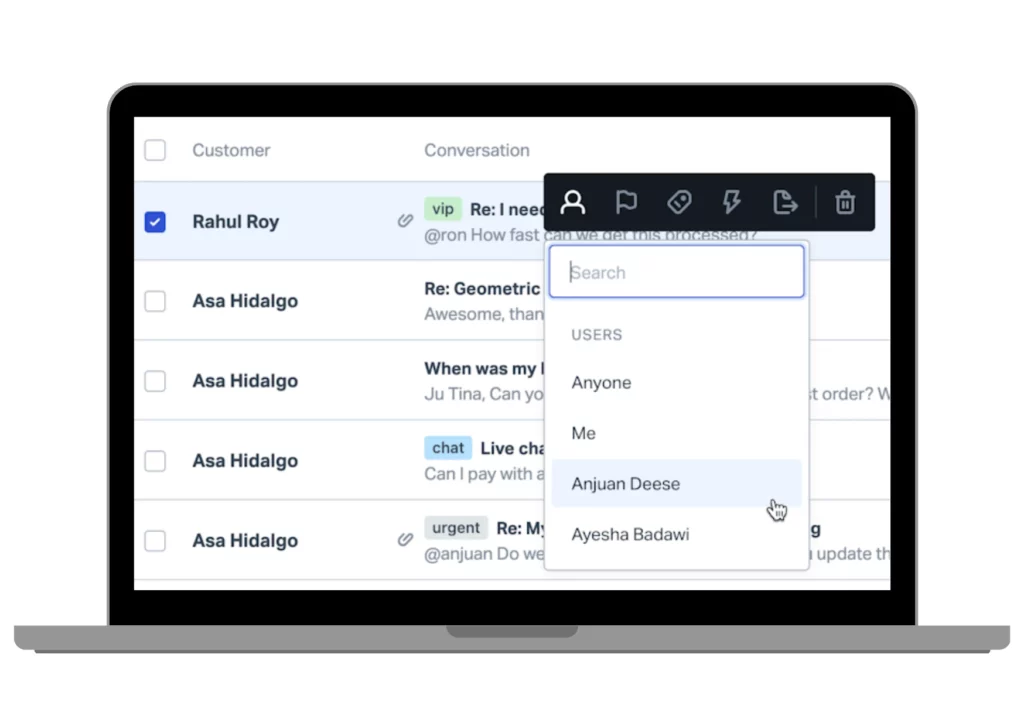
Help Scout provides a clean, customer-friendly ticketing environment designed to enhance team collaboration. It features strong reporting and a flexible knowledge base for teams that prioritize customer satisfaction.
Pros
- Easy to use
- Strong analytics
- Supports internal collaboration
Cons
- Limited template options
- Manual vs automated workflows are harder to toggle
Choosing the right helpdesk ticketing system ultimately depends on your business size, communication volume, and long-term customer service strategy.
However, for businesses seeking a system that combines omnichannel communication, automation, AI support, and strong local expertise, Qiscus stands out as a solution that is both scalable and easy to adopt. With its unified dashboard, enterprise-grade features, and responsive after-sales support.
Qiscus offers a practical and future-ready approach to managing customer conversations, making it a compelling choice for companies aiming to elevate their support operations with confidence.
How to Choose the Best Helpdesk Ticketing System
Selecting the right helpdesk ticketing system is more than just comparing features, it’s about ensuring your support team can operate efficiently today while staying ready for future growth. A well-chosen platform will help streamline workflows, enhance customer experience, and optimize resource allocation across your support operations.
1. Align With Business Needs
Understand your daily and monthly ticket volume to gauge required capacity. Identify which communication channels like WhatsApp, email, or social media, you must support. Map out integration needs and team size to ensure the system scales with your operations.
2. Evaluate Key Features
Look for automation tools that reduce repetitive tasks and speed up resolution. Ensure the platform supports strong analytics to improve visibility and decision-making. Check for omnichannel capabilities, collaboration features, and a reliable knowledge base to boost self-service efficiency.
3. Assess Vendor Reputation
Review the vendor’s customer support quality and responsiveness. Analyze pricing models and overall ROI to avoid hidden costs or scaling issues. Confirm security certification, platform reliability, and long-term scalability to protect your customer data and operations.
By evaluating your needs, reviewing essential features, and choosing a reputable provider, you can confidently select a helpdesk system that supports both immediate goals and long-term service excellence. If you’re looking for a solution that balances advanced capabilities with ease of use, while offering strong local support, platforms like Qiscus Helpdesk provide a reliable foundation for modern, scalable customer service.
Qiscus Helpdesk as a Leading Choice for Modern Support Teams
Choosing the right helpdesk ticketing system can significantly elevate how your business manages customer conversations, resolves issues, and scales support operations. Among the available options, Qiscus Helpdesk stands out for its scalability, AI-driven capabilities, and flexible customization.
With its complete ecosystem, ranging from omnichannel messaging and CRM integration to chatbot automation and WhatsApp Business API, Qiscus provides a modern, future-ready foundation for delivering exceptional customer experience.
Ready to enhance your customer support? Get in touch with Qiscus today and let our team help you find the right solution for your business.