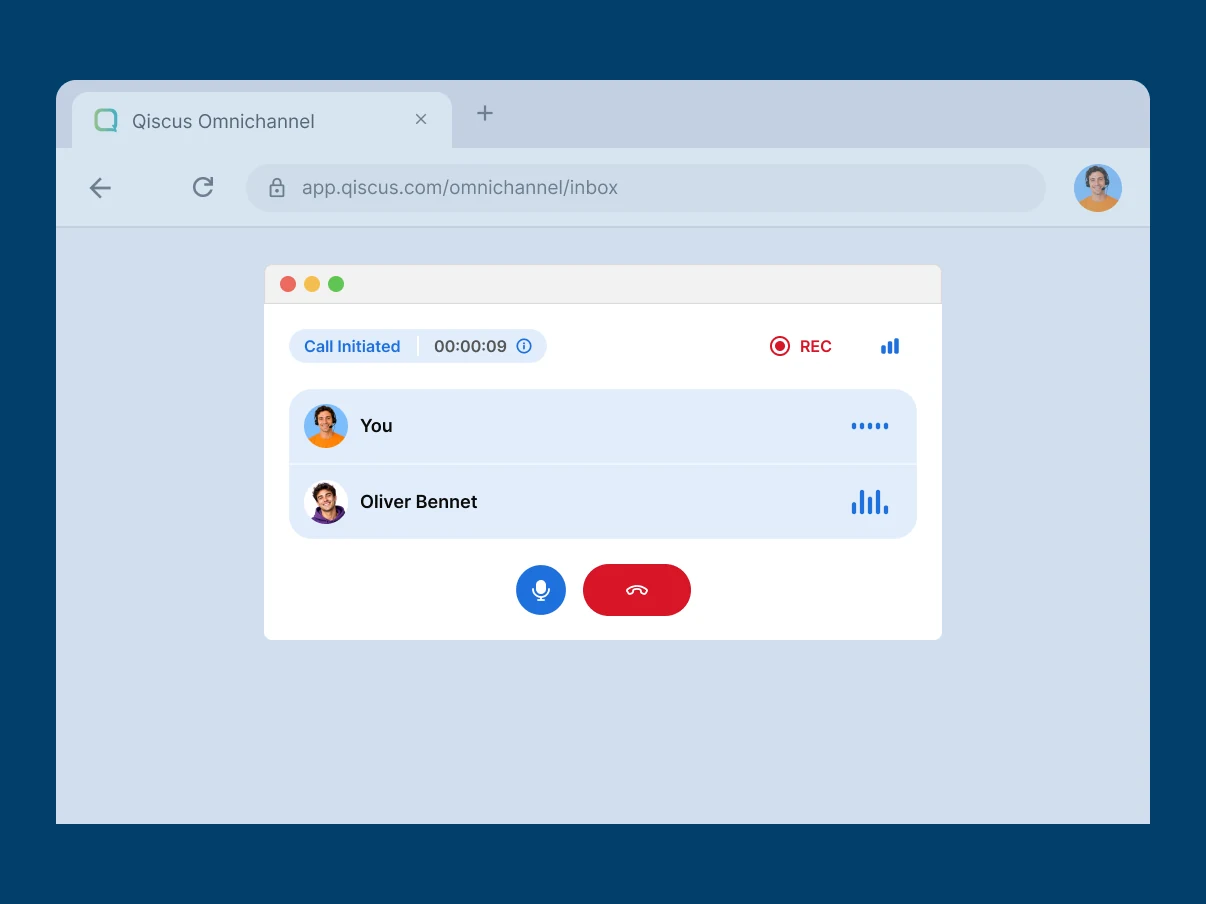
A phone system without the phone equipment
Cloud PBX in a browser tab. No rack of expensive devices to buy and maintain — for your agents, a browser and a connection.
Qiscus Call Solution brings inbound and outbound calling into the Qiscus Omnichannel dashboard — so agents handle the call with the customer's chat history and profile already open, in one window.





 Initiate Call

Trusted by Thousands Reputable Companies
Most customer conversations start in chat. Then something gets complicated — a payment, a claim, a delivery that didn't arrive — and they pick up the phone.
With Qiscus Call Solution, that call lands in the same dashboard as the thread they just left. Your agent answers with the chat history and customer profile already open — the whole conversation, not a summary of it. No second application to open. No asking the customer to start again.
Connect Qiscus Sales CRM and Qiscus Helpdesk and the same window carries the customer record and the open ticket too.
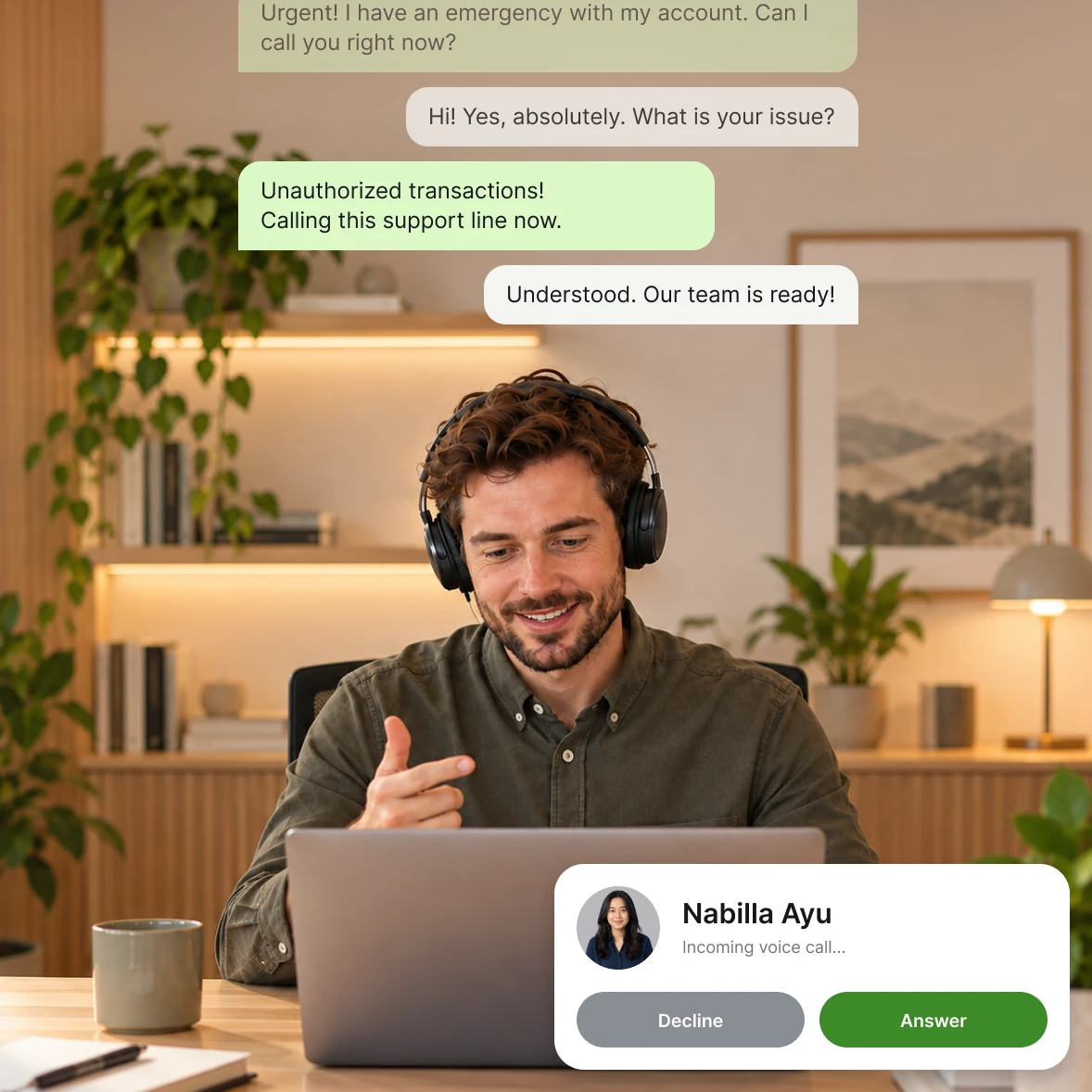
Cloud PBX in a browser tab. No rack of expensive devices to buy and maintain — for your agents, a browser and a connection.
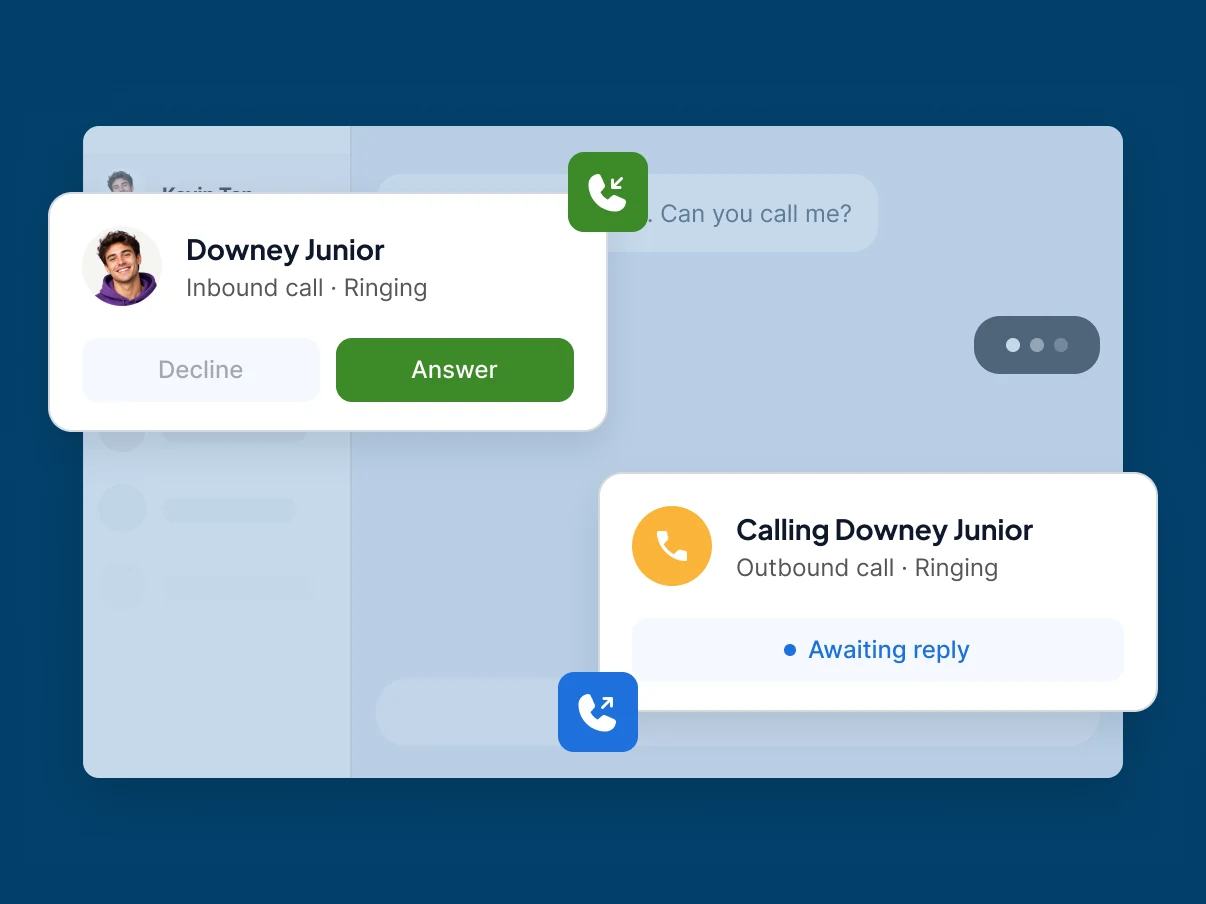
Take customer calls and dial out from the Qiscus dashboard, without opening a separate phone application alongside it.
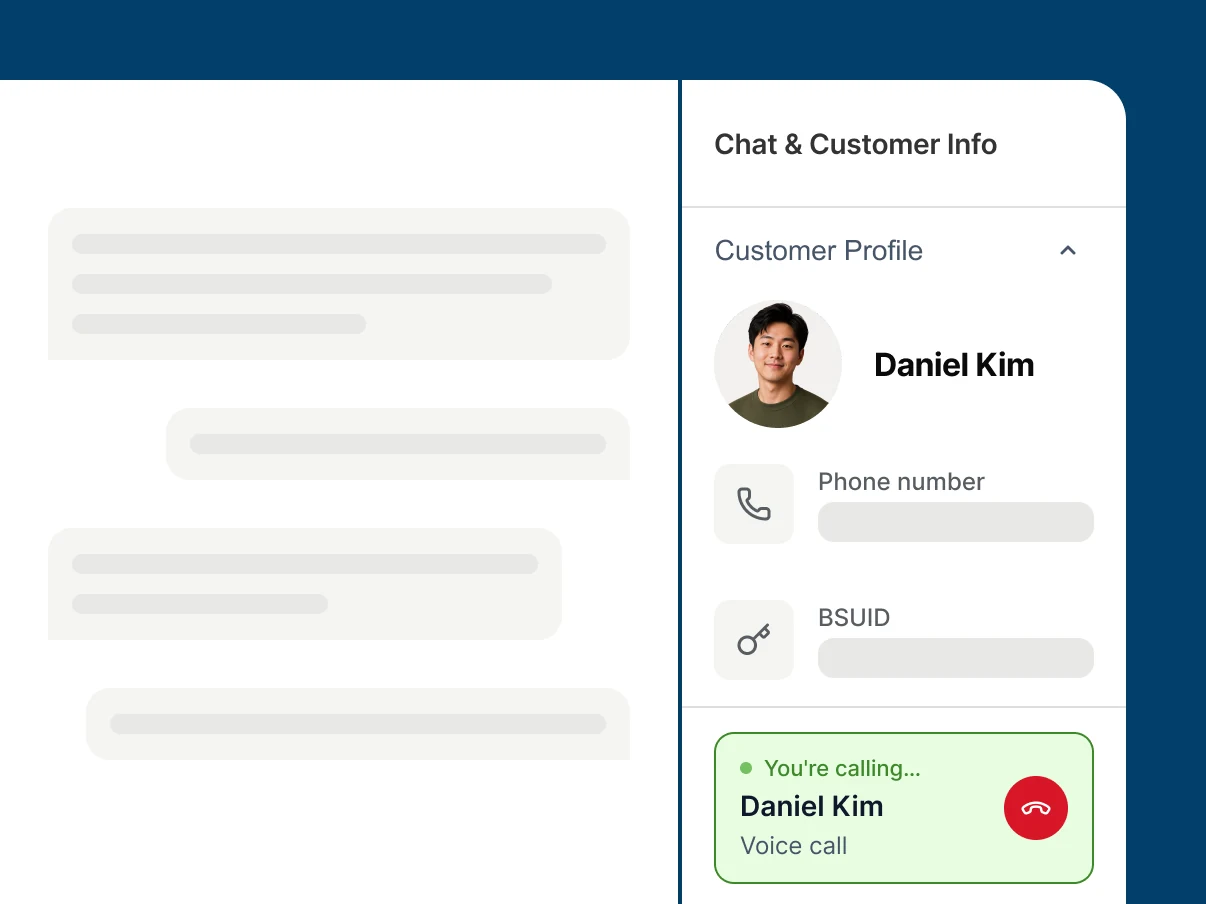
The customer's chat history and profile stay on screen while your agent is on the line — no alt-tab, no "let me pull that up".
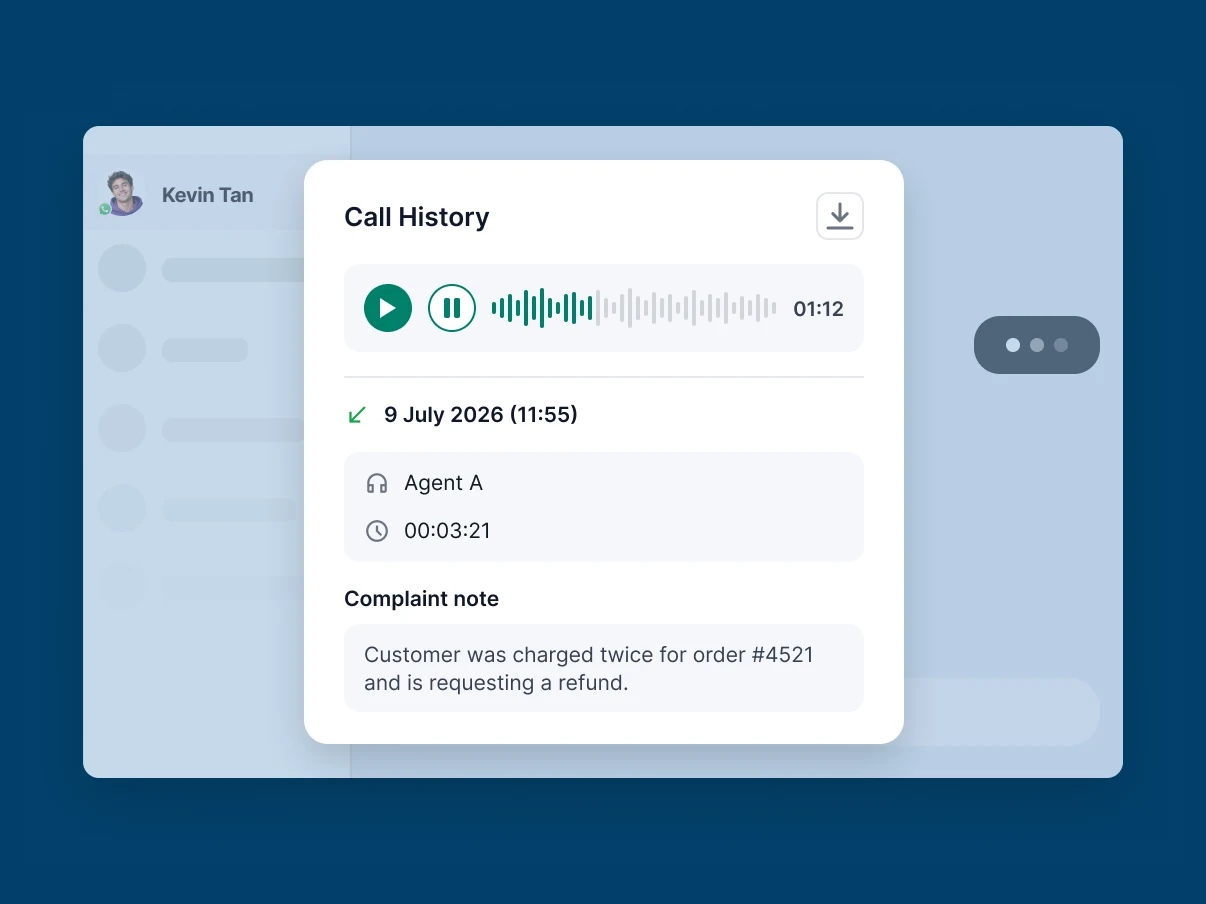
Calls can be saved and downloaded, so QA, coaching, and dispute resolution work from the recording rather than from memory.
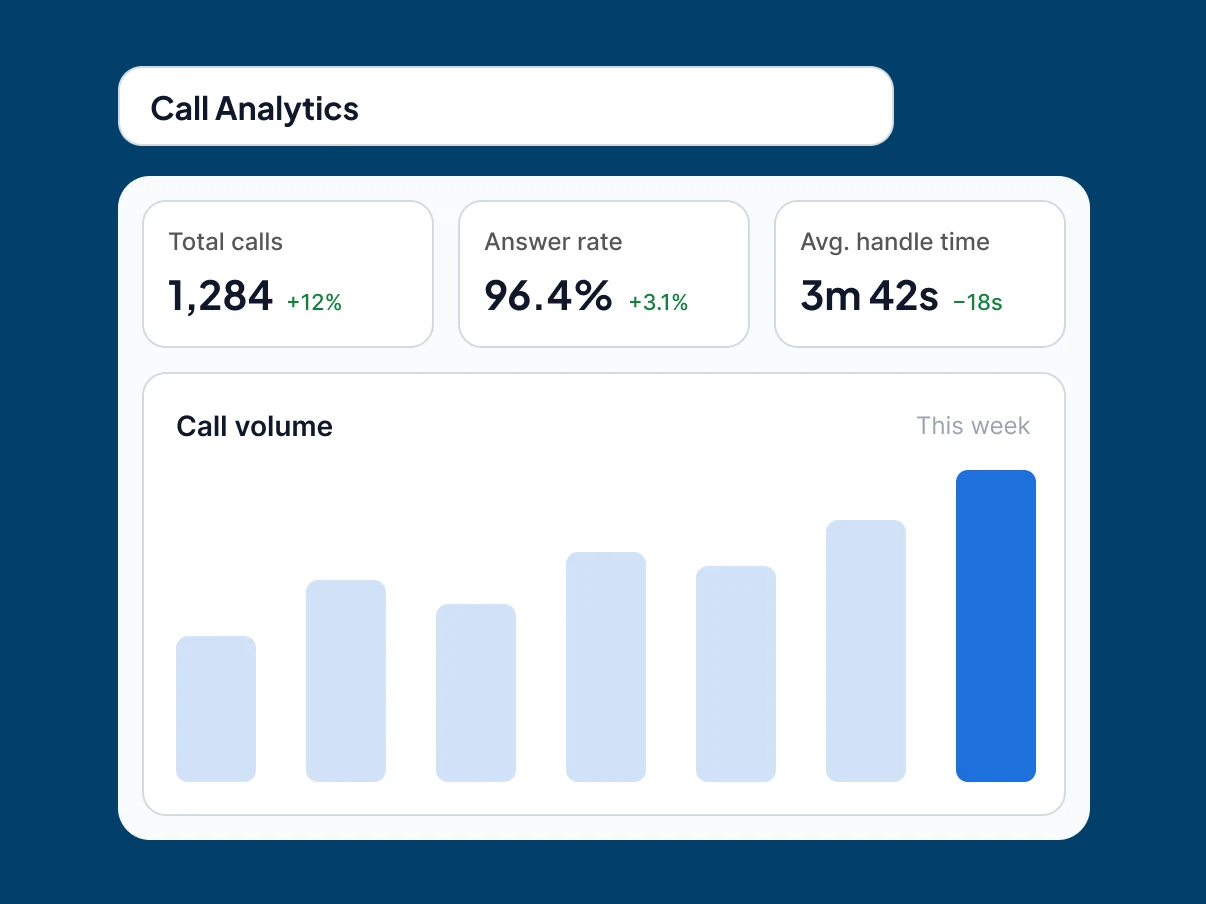
An analytics dashboard to monitor and evaluate how your call center is performing, so decisions run on data instead of impression.
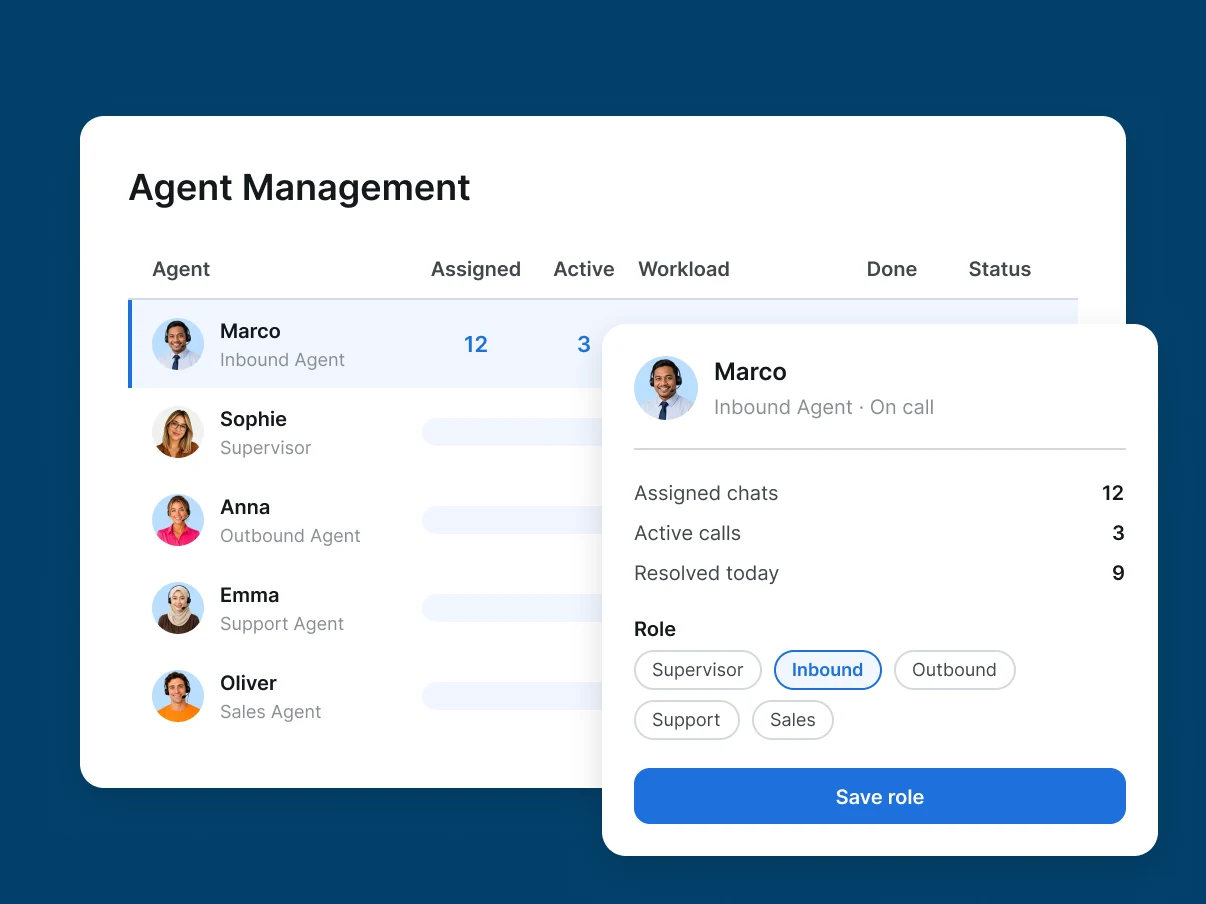
Manage and supervise your agents and share roles across the team, so coverage is set deliberately rather than by habit.
Book a demo and we'll walk you through how calling works inside the Qiscus dashboard, with your team's setup in mind.
Book a demo and we'll walk you through how calling works inside the Qiscus dashboard, with your team's setup in mind.

Discover more success stories proving the potential positive impacts of Qiscus solutions on your business.
Learn More
SeaBank Maximizes Customer Service with Qiscus Omnichannel Chat
Drisa Hajar
CSS Team Leader of SeaBank

Madame Chang's Success in Providing 24/7 Nonstop Customer Service
Rudy Papa Chang
Founder Madame Chang

Over 1000 Inquiries on Instagram: How Does Avoskin Manage?
Robiatun Awaliyah
Customer Service Lead of Avoskin


Qiscus Call Solution adds inbound and outbound calling to the Qiscus Omnichannel dashboard. Agents make and receive customer calls from a calling widget inside the same workspace they use for WhatsApp, Instagram, and marketplace conversations — without switching to a separate phone application.
It installs as an add-on from the Qiscus App Center. You submit your details, the Qiscus team reviews and approves the integration, and you connect your call account credentials in the add-on settings. The calling interface then activates in your dashboard.
Yes. That's the main reason to run calling inside Qiscus. The call happens in the same dashboard as the customer's conversation history and profile, so the agent has context without opening another system.
No. WhatsApp Call is a separate Qiscus Omnichannel feature for voice calls placed over WhatsApp. Qiscus Call Solution is for regular phone calls handled through a connected call system. Teams can use both.
Qiscus connects natively to Qiscus Sales CRM and Qiscus Helpdesk, and to most systems that support standard APIs and webhooks. Bring your specific integration requirements to the demo so the solutions team can map them.